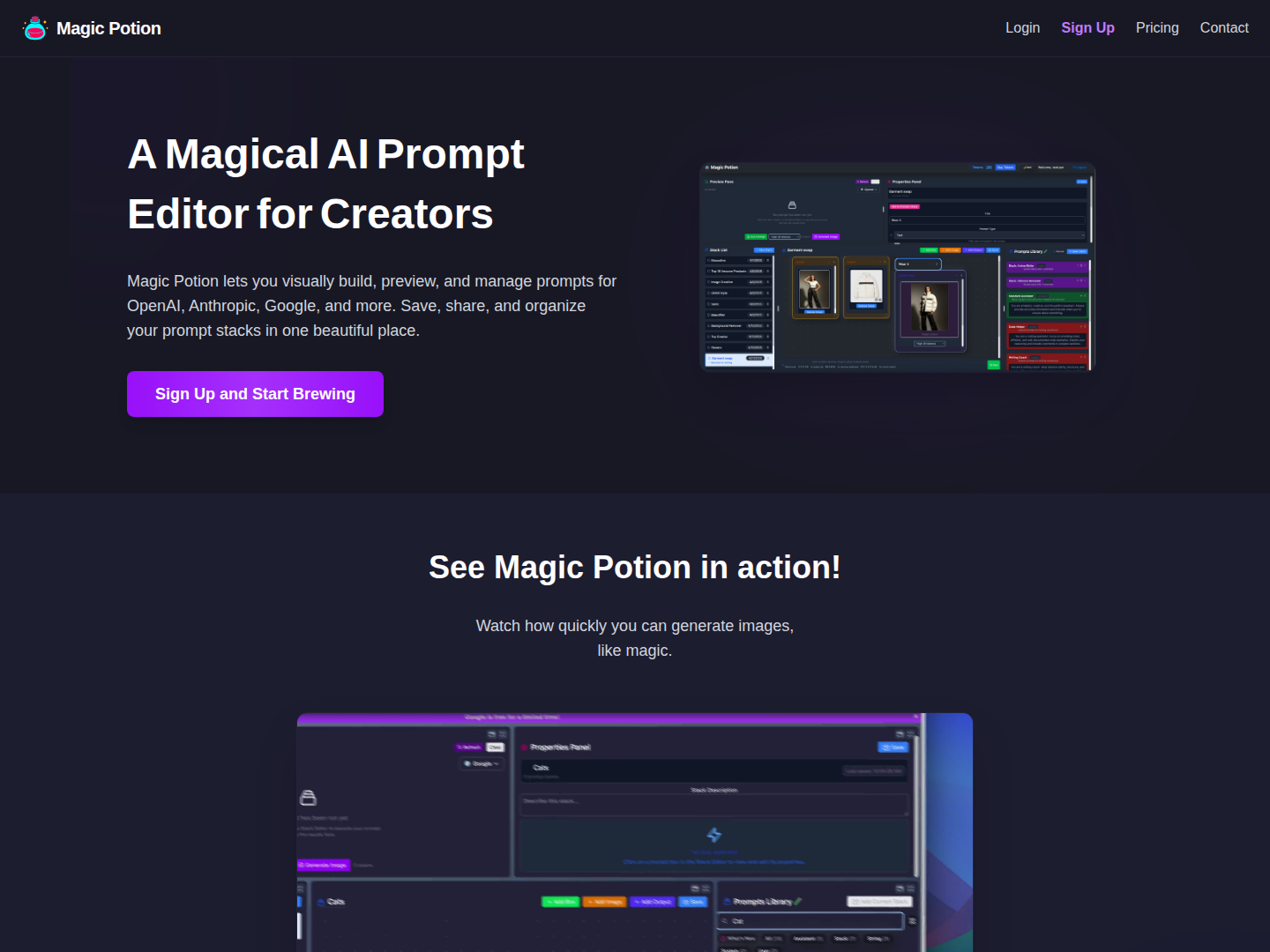
How Magic Potion Works
Magic Potion simplifies AI prompt engineering into a straightforward process. Users begin by utilizing the visual editor to drag, drop, and compose various AI prompt blocks, building their desired prompt structure. This intuitive interface makes creating even complex prompts accessible. Once the prompt is assembled, users can easily tweak and edit components within the editor to refine their query. The final step involves instantly previewing the AI response in real-time, allowing for rapid iteration and saving the perfected prompt for future use or sharing.
Why Use Magic Potion?
Magic Potion is built to make AI prompt engineering efficient, powerful, and enjoyable for everyone. Its core strength lies in its visual AI prompt builder, transforming a traditionally code-heavy process into a drag-and-drop experience. This visual approach, combined with a quick preview feature, allows creators to see live AI responses and iterate on their prompts with unprecedented speed.
Furthermore, the tool's stack-based management system helps users organize prompts into reusable components, keeping workflows tidy and scalable. It boasts multi-provider support, meaning prompts can be developed and managed for leading models like OpenAI, Anthropic, and Google, all within a single interface. The ability to save and share prompts easily fosters collaboration and allows users to build a library of their most effective queries, making it an ideal tool for anyone looking to unlock creativity and optimize their interaction with AI models.